
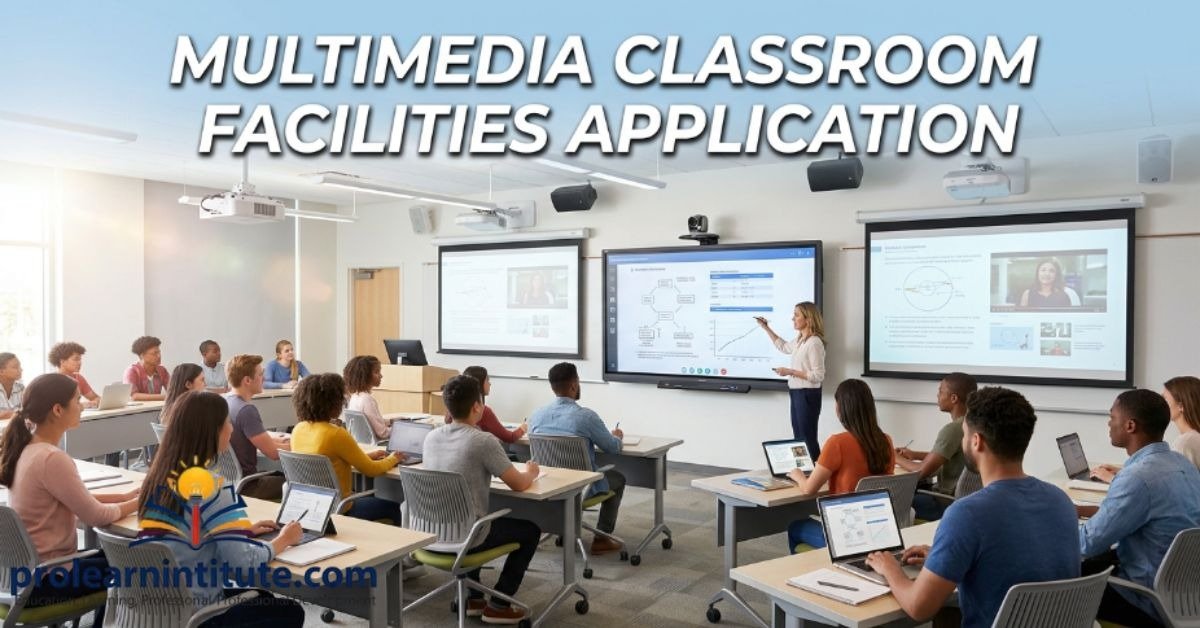
Multimedia Classroom Facilities Application helps schools create a more engaging and effective learning environment. It combines technology with teaching, making lessons easier to understand and more enjoyable for students.
With tools like projectors, interactive displays, videos, and presentations, classrooms become more interactive and interesting. Students can learn difficult topics through clear visuals and real-life examples instead of only reading from books.
In this guide, you’ll learn what a Multimedia Classroom Facilities Application is, why it is important, and how it improves both teaching and learning. You’ll also find simple information that is easy to understand for students, teachers, and anyone interested in modern education.
see also: A School Magazine paragraph for Class 6, 7, 8, 9, 10 & SSC
What Is a Multimedia Classroom?
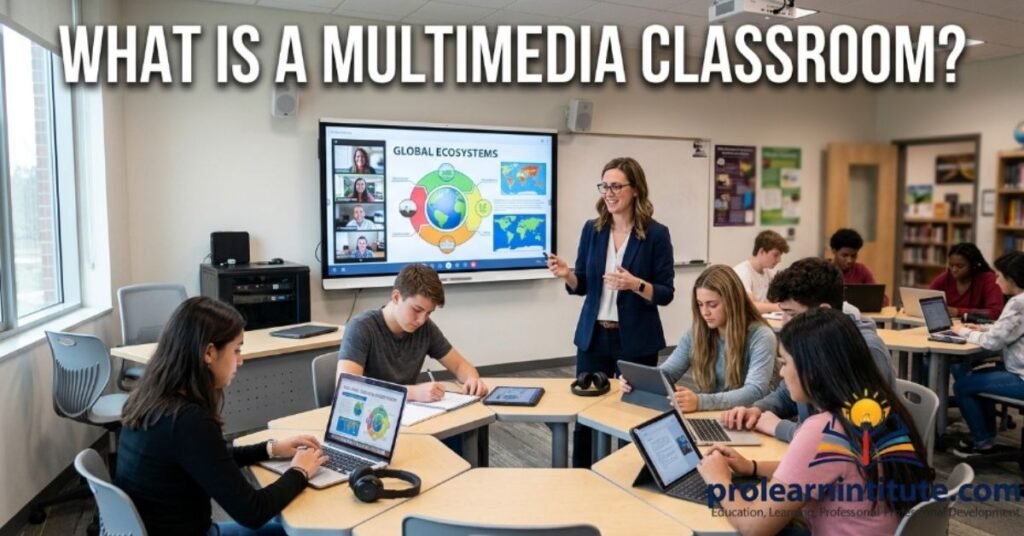
A multimedia classroom is a modern learning space equipped with digital tools like projectors, smart boards, computers, and speakers. These tools allow teachers to present lessons through videos, images, and interactive content instead of relying only on textbooks.
This type of classroom supports different learning styles and makes complex topics much easier to visualize and understand.
Multimedia Classroom Application for Classes 6 and 7
Junior students should write short and simple applications, clearly mentioning why multimedia tools would help their learning.
Sample Application:
The Headmaster, [School Name], [City Name]
Subject: Application for Multimedia Classroom Facilities
Respected Sir,
I am a student of Class 6, Section A. I want to request multimedia facilities in our classroom to help us learn better.
We find it difficult to understand some topics from books alone. Videos and pictures would make lessons like Science and English much easier for us.
I hope you will consider our request kindly.
Yours obediently, [Student Name] Class 6, Section A
Multimedia Facilities Application for Class 8, SSC
Students at this level should mention specific subjects and explain how multimedia tools directly support exam preparation.
Sample Application:
The Principal, [School Name], [City Name]
Subject: Request for Multimedia Classroom Facilities
Respected Sir,
I am a student of Class 9, Section B. I am writing to request multimedia facilities in our classroom.
Videos and audio lessons make difficult topics easy to understand. This would especially help in English, Science, and Computer subjects, particularly while preparing for our board exams.
Kindly arrange multimedia equipment for our class at your earliest convenience.
Yours truly, [Student Name] Class 9
Multimedia Classroom Application for HSC
HSC students often need advanced multimedia tools for subjects like physics, chemistry, and computer science. A well-written application helps convince the principal quickly.
Sample Application:
The Principal, [College Name], [City Name]
Subject: Application for Multimedia Classroom Facilities
Respected Sir/Madam,
I am a student of HSC Part-II, Section A. I want to request multimedia facilities in our classroom for a better understanding of difficult topics.
Our science subjects need visual explanations through videos and diagrams. A projector and smart board would help us grasp lessons faster, especially while preparing for practical exams and university admission tests.
I hope you will consider this request and provide the necessary equipment soon.
Yours obediently, [Student Name] HSC Part-II
Why Multimedia Classroom Facilities Are Important
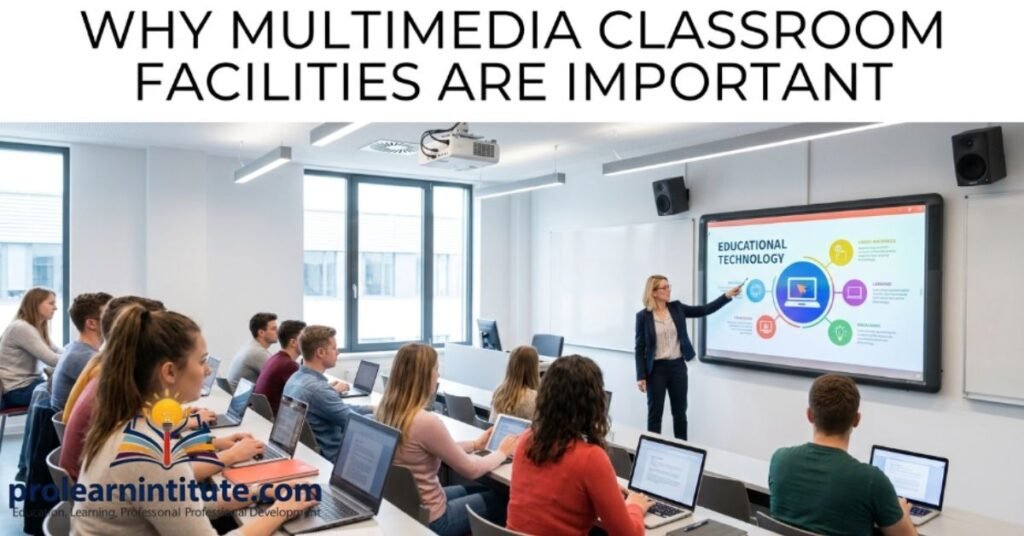
Multimedia tools make lessons interactive instead of boring. Students stay focused when they see pictures, videos, and sounds together.
Traditional teaching relies only on books and lectures. Multimedia classrooms add a modern touch that matches how today’s students learn best.
This shift also prepares students for a world where digital literacy is increasingly essential, both in higher education and in future careers.
Benefits of Multimedia Classroom Facilities for Students
Multimedia facilities offer many advantages for learners of all ages.
- Makes difficult topics easier to understand
- Increases student engagement and attention
- Supports different learning styles, such as visual and audio
- Helps teachers explain concepts more clearly
- Saves time compared to traditional methods
- Prepares students for digital-age skills
- Encourages active participation during lessons
These benefits show why schools are investing more in multimedia setups every year.
Key Features of a Modern Multimedia Classroom
A good multimedia classroom needs specific tools to function properly. Here is a quick overview:
| Feature | Purpose |
| Projector | Displays slides and videos |
| Smart Board | Interactive teaching and writing |
| Speakers | Clear audio for lessons |
| Internet Access | Access to online resources |
| Computer/Laptop | Runs presentations and software |
| Document Camera | Displays physical documents or books on screen |
These features work together to create an effective learning environment for students.
How Multimedia Classrooms Help Different Subjects
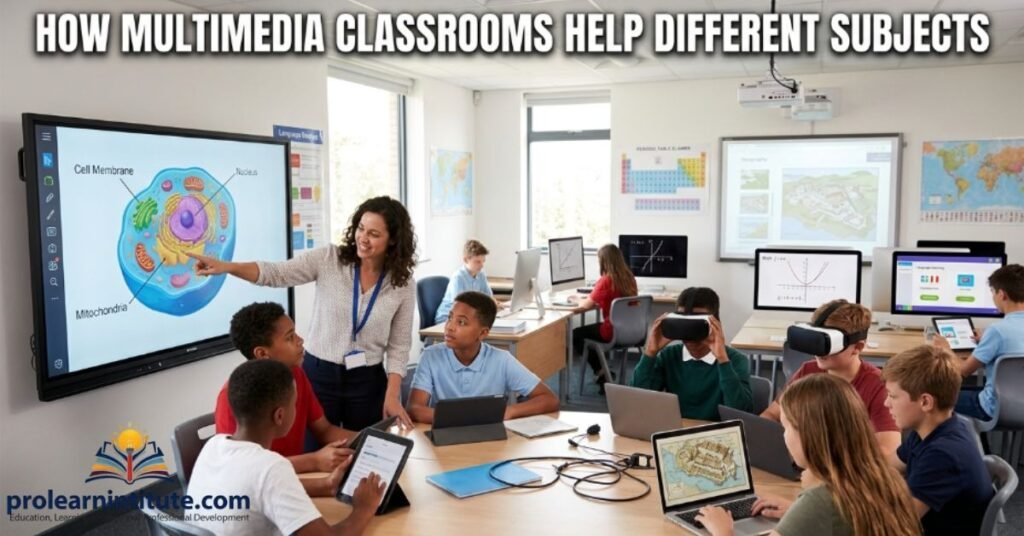
Different subjects benefit from multimedia tools in different ways. Understanding these benefits can help students explain their request more clearly in an application.
| Subject | How Multimedia Helps |
| Science | Visual demonstration of experiments and processes |
| English/Urdu | Audio pronunciation and storytelling videos |
| Geography | Interactive maps and satellite images |
| Mathematics | Animated explanations of complex formulas |
| Computer Studies | Live software demonstrations |
This subject-wise benefit makes a strong case when requesting facilities from the school administration.
Tips for Writing an Effective Application for Multimedia Classroom Facilities
A strong application increases the chance of approval. Keep these tips in mind while writing.
- Use polite and respectful language throughout
- Clearly state the reason for the request
- Mention specific subjects that need multimedia support
- Keep the application short and to the point
- Include your class and section details
- End with a proper thank you note
Following these tips makes your application look professional and convincing.
Common Reasons Schools Need Multimedia Classroom Facilities
Schools often request multimedia tools for practical teaching reasons. Understanding these reasons helps in writing a stronger application.
- Better explanation of science experiments through videos
- Improved language learning with audio-visual content
- Easier teaching of geography using maps and images
- Support for online exams and digital assignments
- Training students for future technology use
Multimedia tools solve many common classroom challenges effectively.
Role of School Administration in Providing Multimedia Facilities
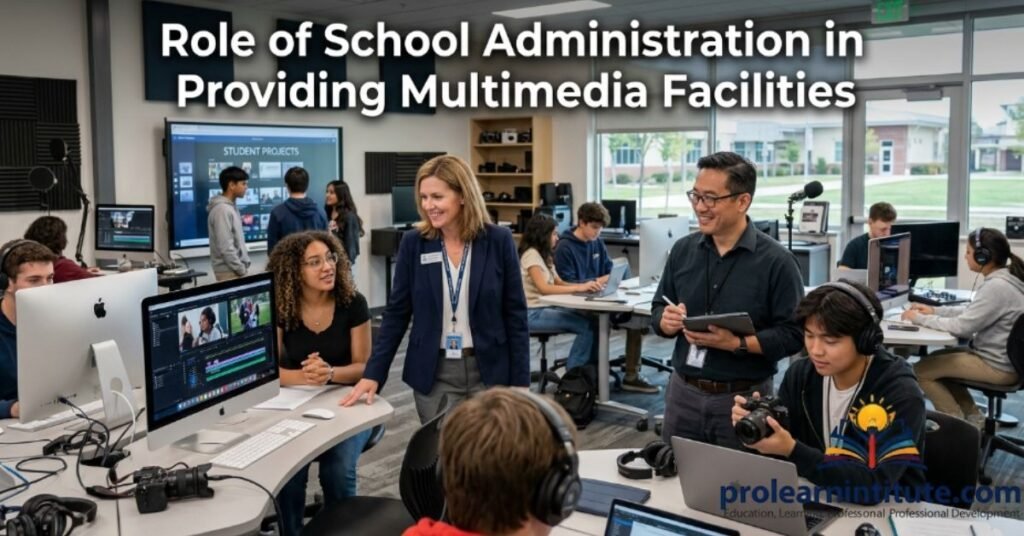
School administration plays a key role in approving and maintaining multimedia classroom setups. They must allocate a proper budget, arrange installation, and ensure regular maintenance of the equipment.
Administrators should also train teachers to use multimedia tools effectively, since proper usage directly affects how much students benefit from these facilities. Collecting feedback from both students and teachers helps improve the system over time.
Mistakes to Avoid When Writing a Multimedia Classroom Facilities Application
Some common mistakes can weaken your application and reduce its impact.
- Writing overly long and unclear paragraphs
- Forgetting to mention your class or section
- Using informal or disrespectful language
- Not stating a clear reason for the request
- Skipping the thank you note at the end
Avoiding these mistakes makes your application clear and effective.
Conclusion
In simple terms, a Multimedia Classroom Facilities Application explains the need for modern learning tools that make lessons more engaging and effective. At its core, it shows how the right application can help improve the quality of education for both students and teachers.
Now you have a clear understanding of how to write this application in a simple and organized way. The next step is yours—use what you have learned to write with confidence and present your request clearly.
see also: A Winter Morning Paragraph for Students (Class 6 to HSC)
FAQs
How do I write a multimedia classroom facilities application?
Start with a polite greeting, state your class, and explain why multimedia tools are needed. Keep it short and respectful.
What should I include in a multimedia classroom application?
Include your name, class, section, reason for request, and a polite closing thank-you note.
Why are multimedia classrooms important for students?
They make lessons more engaging through videos, images, and interactive tools, helping students understand faster.
What equipment is needed for a multimedia classroom?
A projector, smart board, speakers, computer, and internet access are the basic requirements.
How can multimedia tools help HSC students?
They help explain difficult science and computer topics through visual and audio content.
Can Class 6 students request multimedia facilities?
Yes, students from Class 6 onward can request multimedia tools for easier learning in subjects like English and Science.
What is the correct format for a school application?
Start with the recipient’s title, add a subject line, write the body politely, and end with your name and class.
How long should a multimedia classroom application be?
It should be short, usually under 150 words, and focus only on the main request.
What are the benefits of smart boards in classrooms?
Smart boards allow interactive teaching, easy writing, and better student participation during lessons.
Do multimedia classrooms improve student performance?
Yes, they increase engagement and understanding, which often leads to better academic results.
Which subjects benefit the most from multimedia classrooms?
Science, languages, and geography benefit greatly, as they rely heavily on visual and audio explanations.
Who is responsible for maintaining multimedia classroom equipment?
The school administration is responsible for installation, regular maintenance, and training teachers to use the equipment properly.

I’m Jordan Smith, a content writer with 4 years of experience and AI content expertise, creating clear, engaging, and easy-to-understand educational content.